Самохостятам привет!
Мы уже смотрели, что такое S3 в ролике из соседней темы
А сегодня мы смотрим на проект, который позволяет нам развернуть на своем домашнем или арендуемом железе - s3 совместимое хранилище.
Garage
Цели и НЕ цели проекта
информация с сайта проекта
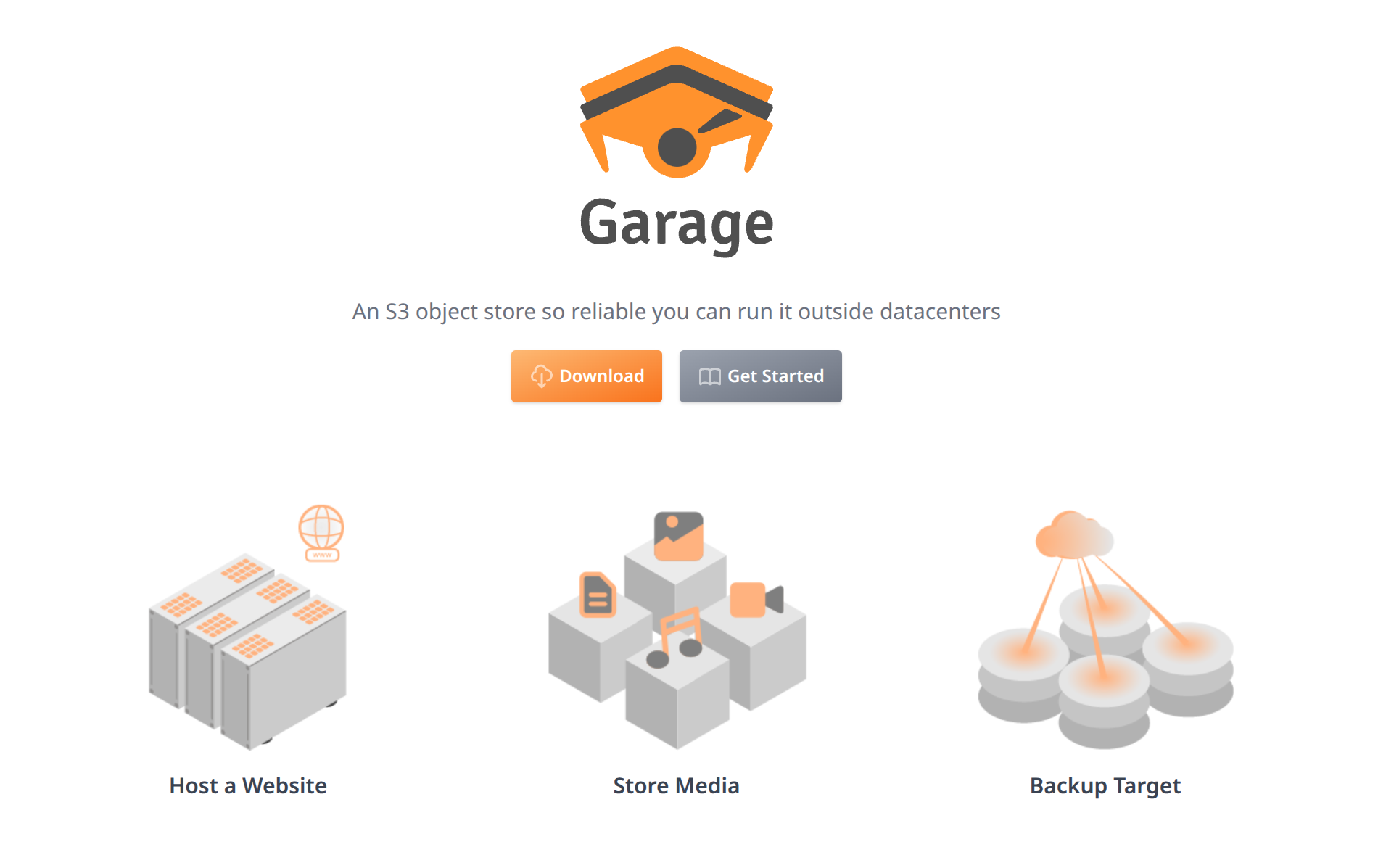
Garage is a lightweight geo-distributed data store that implements the Amazon S3 object storage protocol. It enables applications to store large blobs such as pictures, video, images, documents, etc., in a redundant multi-node setting. S3 is versatile enough to also be used to publish a static website.
Garage is an opinionated object storage solution, we focus on the following desirable properties:
- Internet enabled: made for multi-sites (eg. datacenters, offices, households, etc.) interconnected through regular Internet connections.
- Self-contained & lightweight: works everywhere and integrates well in existing environments to target hyperconverged infrastructures.
- Highly resilient: highly resilient to network failures, network latency, disk failures, sysadmin failures.
- Simple: simple to understand, simple to operate, simple to debug.
We also noted that the pursuit of some other goals are detrimental to our initial goals. The following has been identified as non-goals (if these points matter to you, you should not use Garage):
- Extreme performances: high performances constrain a lot the design and the infrastructure; we seek performances through minimalism only.
- Feature extensiveness: we do not plan to add additional features compared to the ones provided by the S3 API.
- Storage optimizations: erasure coding or any other coding technique both increase the difficulty of placing data and synchronizing; we limit ourselves to duplication.
- POSIX/Filesystem compatibility: we do not aim at being POSIX compatible or to emulate any kind of filesystem. Indeed, in a distributed environment, such synchronizations are translated in network messages that impose severe constraints on the deployment.
Официальный сайт
Документация
Какие приложения поддерживают Garage
Web Интерфейсы(GUI) для Garage
или
Как запустить?
-
можно почитать в документации.
-
ну а для удобства, вот Вам пара простых шагов запуска в докере:
-
-
- Создайте на хосте файл конфигурации(все параметры смотреть тут)
-
garage.toml
metadata_dir = "/var/lib/garage/meta"
data_dir = "/var/lib/garage/data"
db_engine = "sqlite"
metadata_auto_snapshot_interval = "6h"

replication_factor = 1 # Required to set same in all nodes for cluster mode
compression_level = 15 # Recommended 1-19, extreme 20-22

rpc_bind_addr = "[::]:3901"             #Garage cluster traffic between nodes
rpc_public_addr = "192.168.1.12:3901" # Required
rpc_secret = "59a873c844b975d0f67cdcc5cac37577ffe1fbc9e9a0027b0cdbc97913d769e1"   #openssl rand -hex 32

[s3_api] # Required
s3_region = "garage"
api_bind_addr = "[::]:3900"          #S3 traffic to clients
root_domain = ".s3.domain.com"

[s3_web] # Optional, if you want to expose bucket as web
bind_addr = "[::]:3902"     #S3 web traffic
#root_domain = ".web.domain.com"
root_domain = ".192.168.1.12"
index = "index.html"

[admin] # Required
api_bind_addr = "[::]:3903"   #Garage admin API
admin_token = "HugD14FyKKDmY4da6sVlo+bazr9GgytffyvWrbcVVs0="   #openssl rand -base64 32
metrics_require_token = true
metrics_token = "HugD14FyKKDmY4da6sVlo+bazr9GgytffyvWrbcVVs0="   #openssl rand -base64 32
-
-
- Для запуска будем использовать докер-компоуз garage + web ui
-
Docker-compose.yml
services:
  garage:
    image: dxflrs/garage:v2.0.0
    volumes:
      - /opt/garage/garage.toml:/etc/garage.toml
      - /opt/garage/garage-storage:/var/lib/garage
    restart: unless-stopped
    ports:
      - 3900:3900 #S3 traffic to clients
      - 3901:3901 #Garage cluster traffic between nodes
      - 3902:3902 #S3 web traffic
      - 3903:3903 #Garage admin API
  garage-webui:
    image: khairul169/garage-webui:1.1.0
    restart: unless-stopped
    #    tmpfs:
    #      - /tmp
    volumes:
      - /opt/garage/garage.toml:/etc/garage.toml:ro
      - /opt/garage/tmp:/tmp
    ports:
      - 3909:3909
    environment:
      API_BASE_URL: http://garage:3903
      S3_ENDPOINT_URL: http://garage:3900